Today, for your city
Tithi, nakshatra, the hora running now, Choghadiya, Rahu Kaal and the day's good windows, from your own city's sunrise.
iPhone · Free beta on TestFlight
Swarn Siddhi is a Vedic astrology app. It works out today's good and difficult times for your city, the daily panchang, your kundli and kundli matching, and adds an AI astrologer that answers from your own chart, and detailed reports — in 25 languages.
The iPhone app is in a free public beta on Apple's TestFlight: anyone can join with the link below. The App Store version is in review, with no date yet.
Free to join. You need Apple's TestFlight app, which is also free.
Install
TestFlight is Apple's own app for trying beta apps. Get TestFlight from the App Store.
On your iPhone, open the beta link and tap Join. TestFlight shows Swarn Siddhi; tap Accept, then Install.
It sits on your home screen like any other app. Add your birth details once, and the day's timing is worked out for you from then on.
What is in it
Tithi, nakshatra, the hora running now, Choghadiya, Rahu Kaal and the day's good windows, from your own city's sunrise.
The full daily panchang — tithi, vara, nakshatra, yoga and karana — with sunrise, sunset and the lunar month.
Your birth chart with its houses, planets and dasha periods, and 36-guna Ashtakoot matching for two charts.
Ask about your own chart. Answers are written by AI from positions and dates the engine has already calculated; it is software, not a person.
Longer written reports on your chart, free and paid, kept in the app to read again.
English, Hindi, Hinglish and the major Indian languages, switchable at any time.
Screens
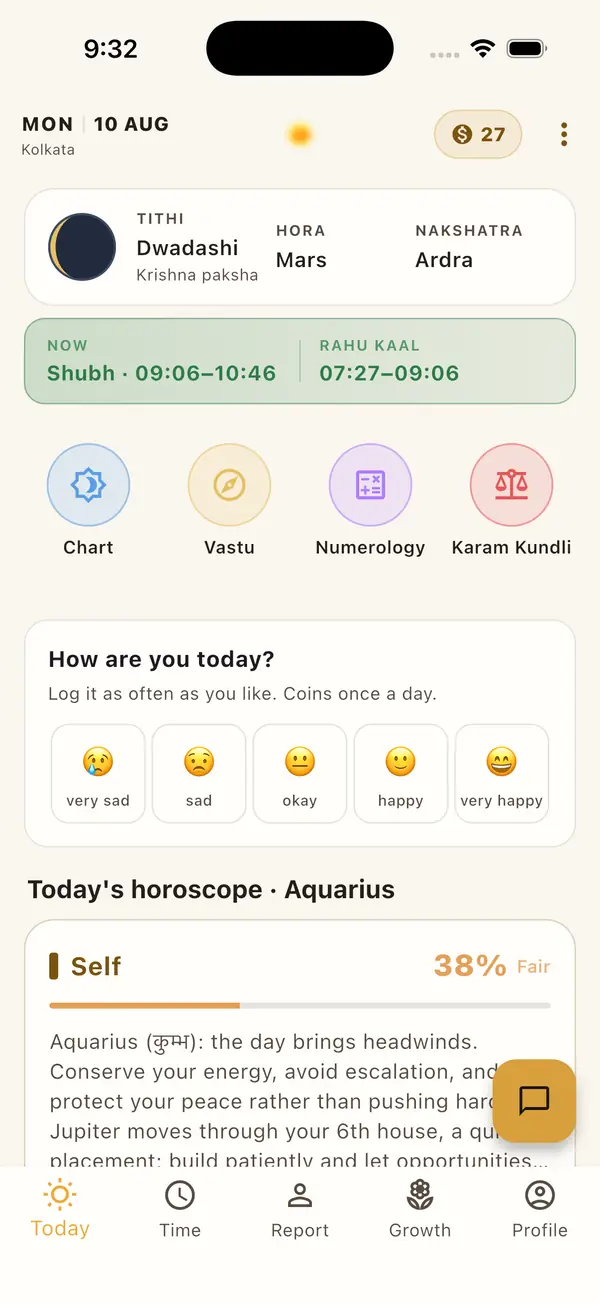
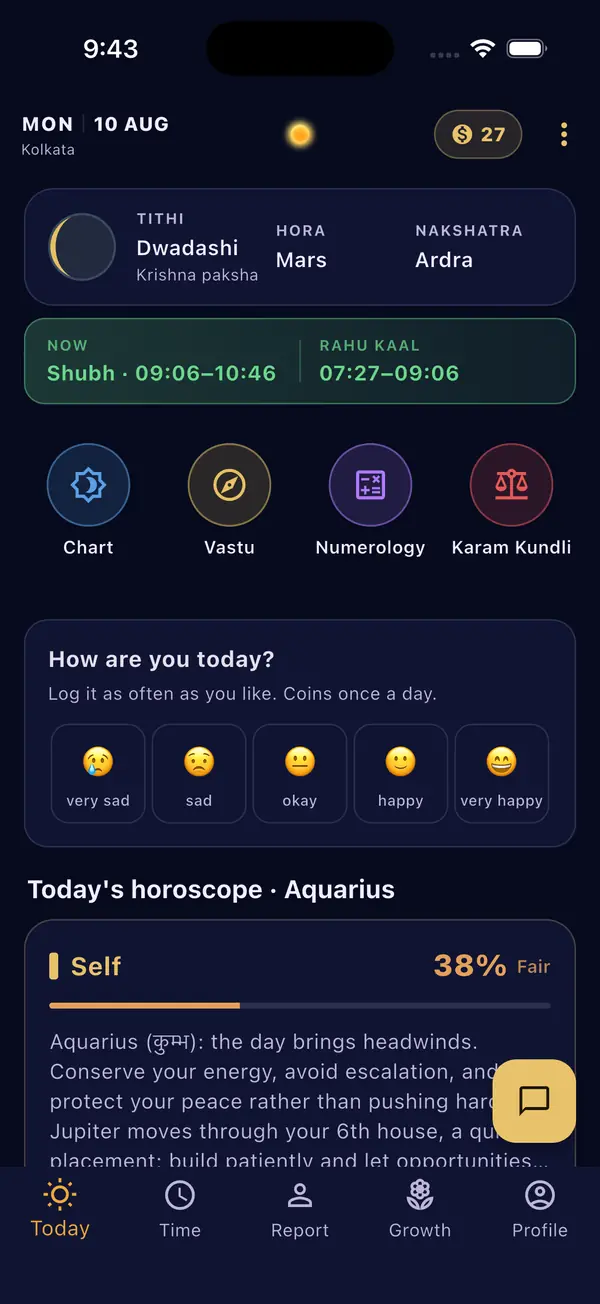
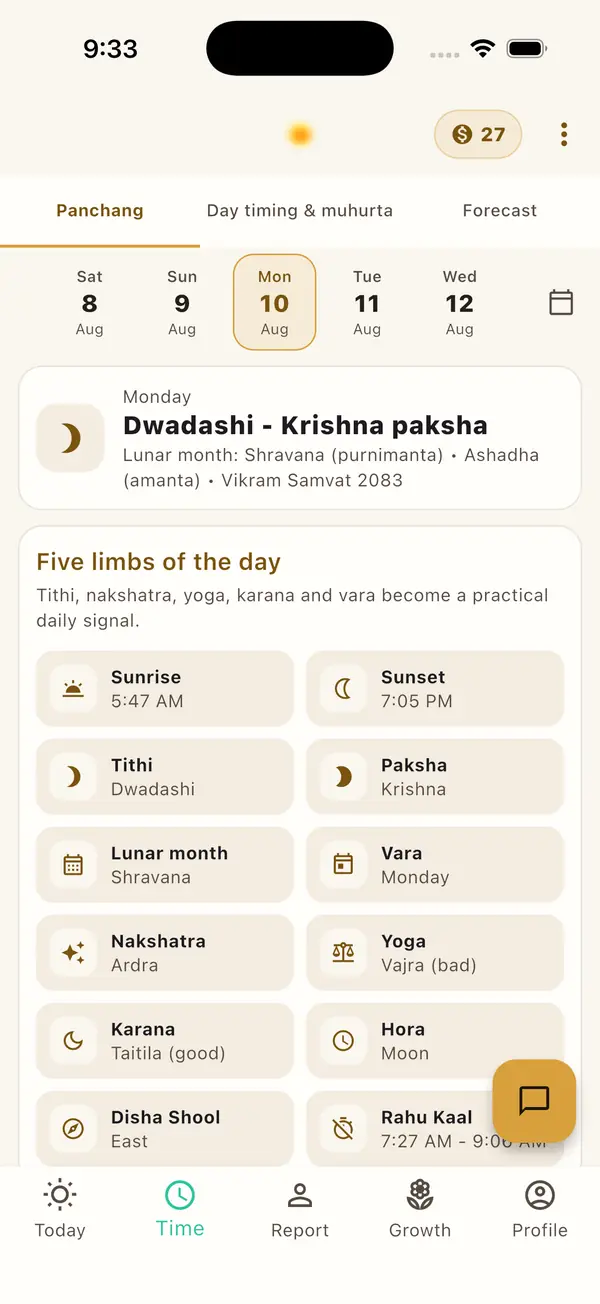
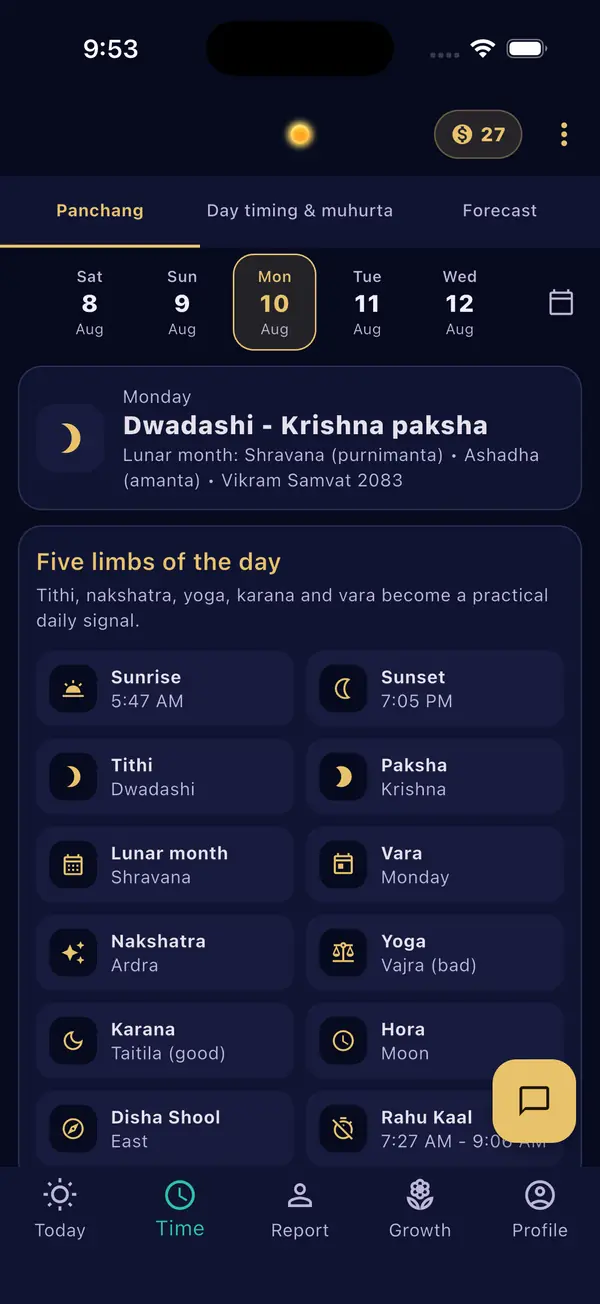
The day's tithi, hora and nakshatra, the good window running now beside Rahu Kaal, and the full panchang.
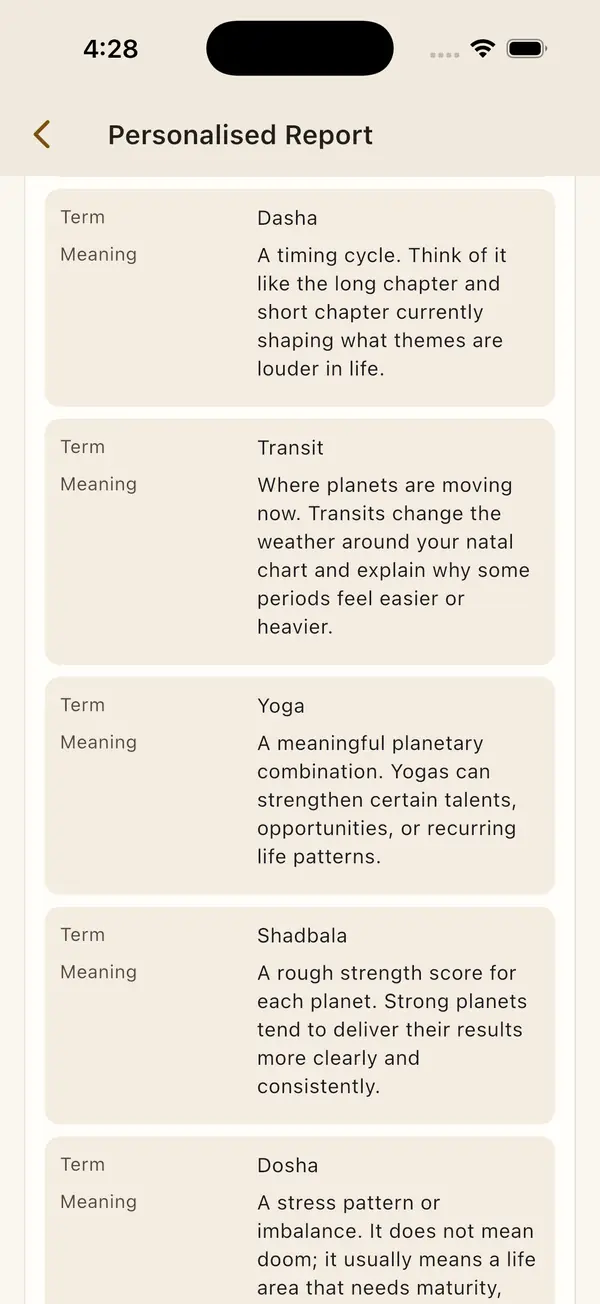
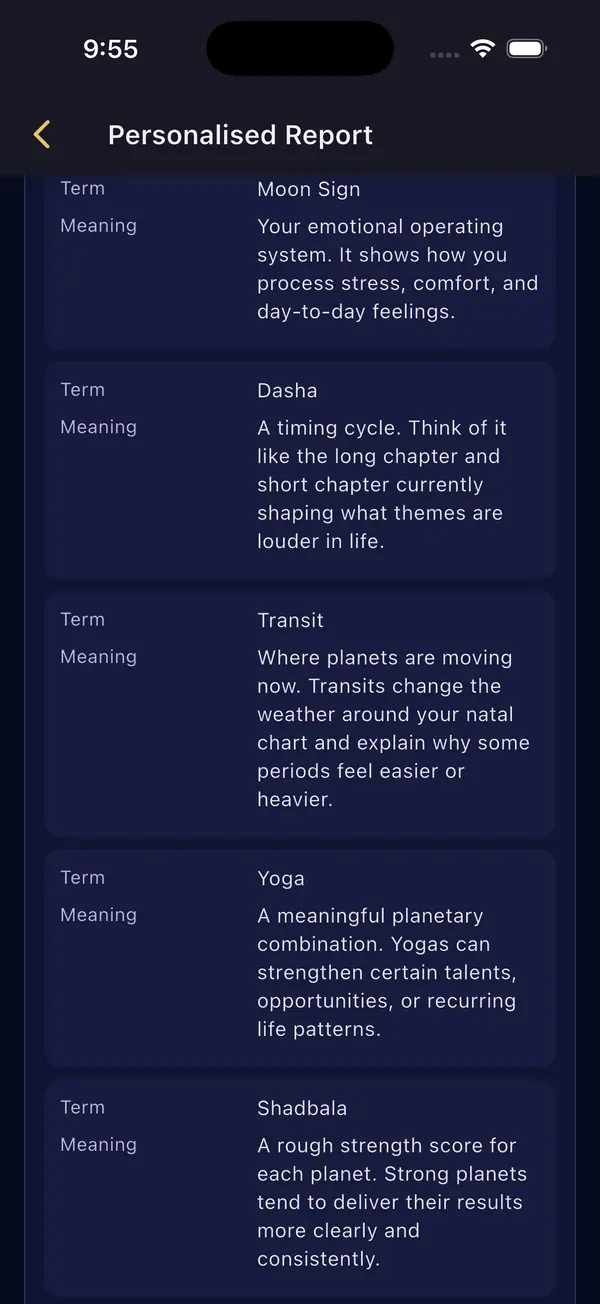
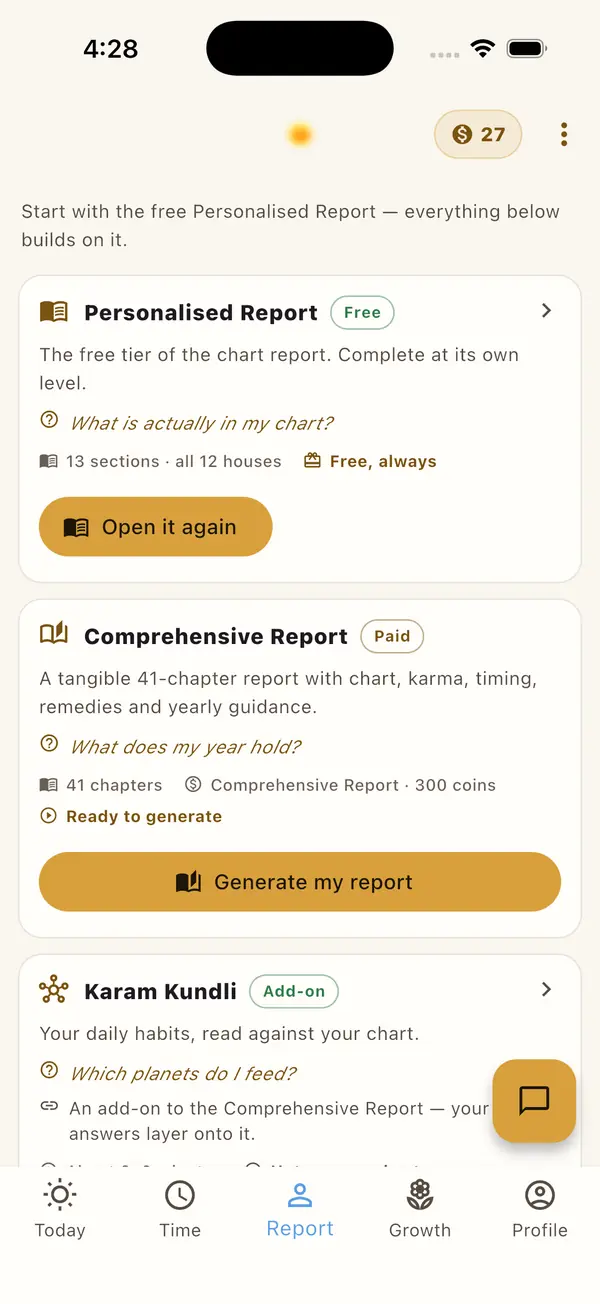
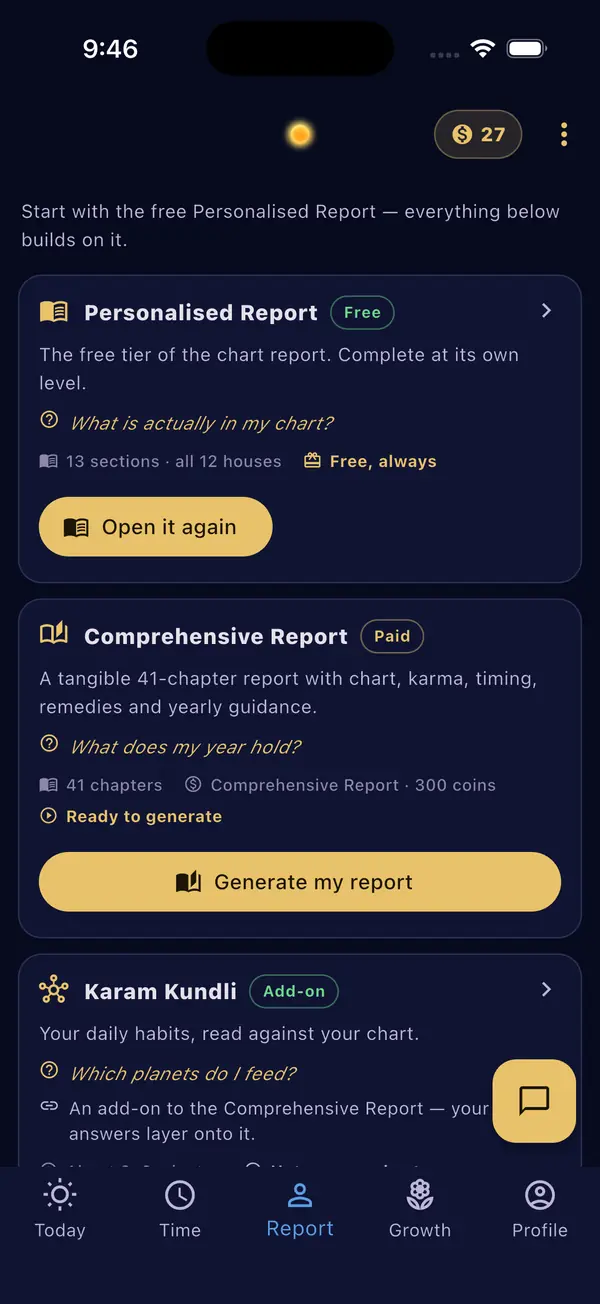
Chart terms defined where they appear, and the reports shelf with the free report first.
About the beta
When a new build is ready, TestFlight offers it. Turn on Automatic Updates in TestFlight to get each one without asking.
Take a screenshot in the app and tap Share Beta Feedback, or open TestFlight and tap Send Beta Feedback. It arrives with your build attached.
Each beta build runs for 90 days, and a newer one is offered before then.
Purchases in the beta are completed on swarnsiddhi.com.
No install
The web app runs the same engine in Safari, with no install. Open it, then use Share › Add to Home Screen for an icon.
Privacy and support
The beta is the same service as the website and the Android app, under the same privacy policy and terms. For a question or a problem with the beta, see support or write to lapaasindia@gmail.com.